
Set tabs aside
Save a tab, selected tabs, or whole windows. Make space without losing the pages you want to return to.
Save a session
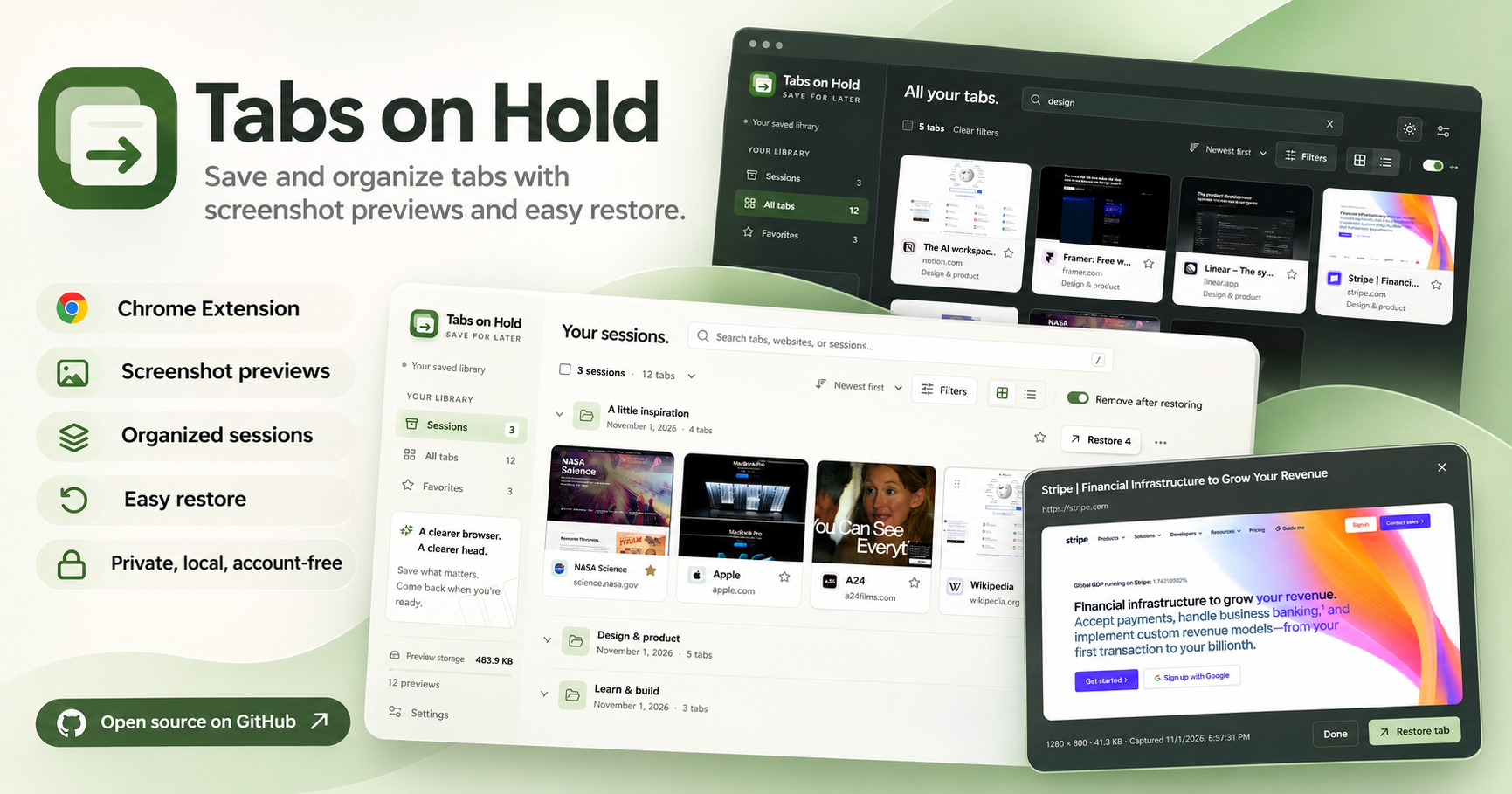
Save and organize tabs with screenshot previews and easy restore.

A PLACE FOR YOUR OPEN LOOPS
A project for later. A few things to read. Something that caught your eye. Keep them in named sessions, with a picture to help you remember.
FROM TOO MANY TABS TO A FRESH START
Choose what to save from the toolbar. Tabs close after their data is saved. Website access is optional for screenshot previews.
Give the session a name. Move a tab to another project, favorite a useful page, or find it again with search.
Preview a page, restore a single tab, or bring back the whole session. Export a backup when you want a copy of your library.
Your saved tabs and screenshots are stored on your computer and are not uploaded by the extension. You choose whether to grant website access for previews.


